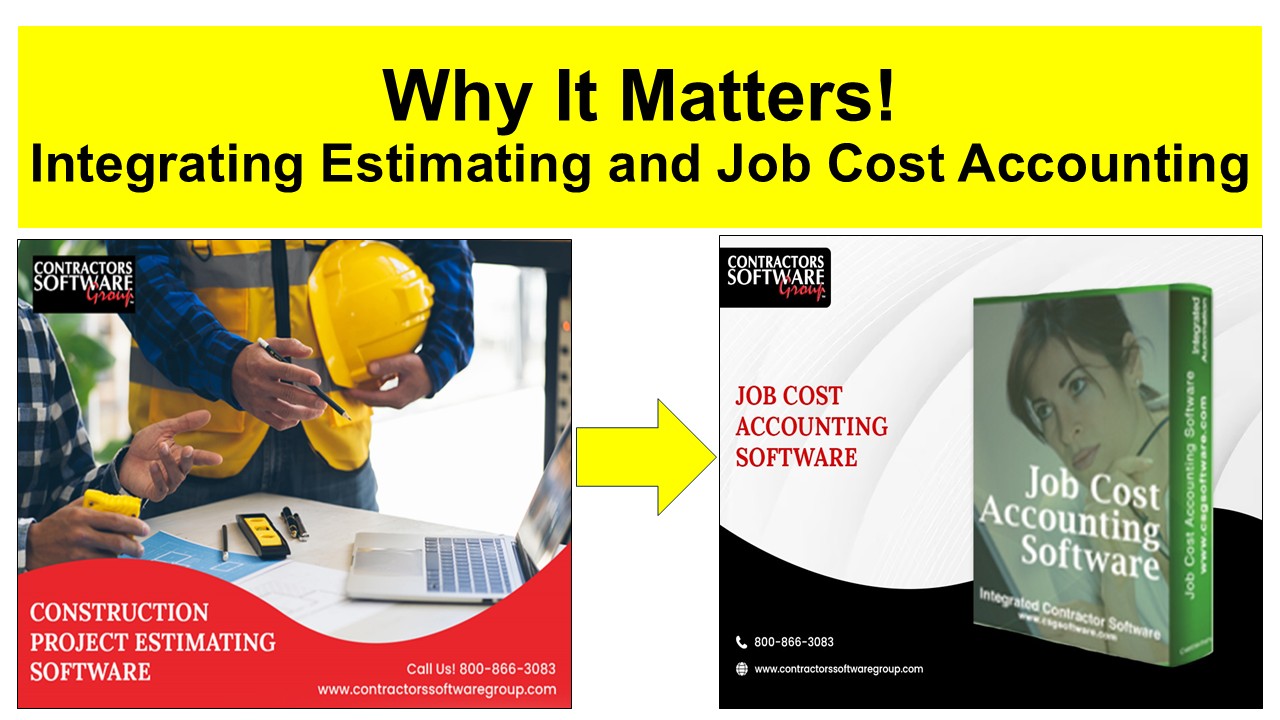
The Power of a Fully Integrated Estimating + Job Cost Accounting System
Once the job is sold and the down payment hits, your system should go to work for you — automatically. An integrated platform turns that moment into a seamless hand-off from the estimating department to accounting department, eliminating re-entry, tightening cost control, and giving you instant financial clarity.
Here is how it should Work!
Convert Original Estimate → Job
Approving and transferring the estimate pushes the estimate over to the job into the Job Cost Accounting system, automatically creating:
Job Setup (Done for You)
- Job Code
- Job Name
- Job Address
- Contract Date
- Contract Amount
Original Budget (Auto‑Generated)
- Original Budgets by category of work
- Original Budgeted hours by category of work
Customer Setup
- Adds new client if doesn’t exist
Why It Matters
- A clean, audit‑ready budget aligned with the estimate
- Zero re-entry, zero manual setup – Time Savings
- Improved budgeted hours versus actual hours analysis
- Faster starts, fewer mistakes, immediate cost visibility
- True Estimate Profitability at your fingertips
Down Payment Billing & Cash Flow Control
In the Job Cost Accounting system:
- Generate the down‑payment invoice
- Process the payment
Why It Matters
- Tracks customer billing and payments automatically by client and by job
- Tightens cash flow control from day one
- Eliminates spreadsheet juggling and manual reconciliations
Approved Purchase Orders & Subcontracts
- Imports the approved auto‑created purchase orders and subcontract from estimating
- Creates committed costs by category of work
Why It Matters
- Time savings – No re-entry of purchase orders/subcontracts manually in accounting
- Real time control – Revised budgets vs. committed costs analysis
- Reduces admin headaches
- Invoices match PO/SC’s for quick approval
- Eliminates manual coding and guesswork
- Improved Communication between estimating and the accounting department
- Speeds up month-end close
Handling Approved Change Orders
As the job progresses, change orders happen. Estimating must communicate those changes to accounting – and again, your integrated estimating and job cost accounting system should handle it automatically.
Converts Change Order Estimate → Job
Approving and transferring the change orders pushes the change order into the Job Cost Accounting system, automatically creating:
Change Order Setup (Done for You)
- CO Number
- CO Name
- Contract Date
- CO Amount
- Updated Revised Contract Amount
Change Order Budget (Auto‑Generated)
- Change Order Budgets by cost category
- Change Orders Budgeted hours by category of work
Why It Matters
- Improved Change Order tracking
- Tracks actuals against Original, CO, and Revised budgets
- Real‑time budget vs. actuals for controlling cost overruns
- True revised estimate profitability at your fingertips
- Accurate financials and WIP reporting with early warning indicators
- Massive time savings — no double entry, no redundant paperwork
- Cleaner books, tighter cost control, higher profitability
- Seamless hand-off from estimating department to the accounting department for tighter controls.
Billing & Payments for Change Orders
In the Job Cost Accounting system:
- Generate the CO invoice and send to client, which applies billing amount to the client and the job
- Process the payment against that invoice, which applies the payment to the client and job
Why it Matters
- Keeps CO billing and payments aligned with the job
- Strengthens cash flow and reduces missed billings
- True Profitability estimates
- Improved cash flow reporting
Change Orders Purchase Orders & Subcontracts
- Imports the approved auto‑created purchase orders and subcontracts from estimating
- Adds additional committed costs by category of work
Why it Matters
- Time savings – No re-entry of purchase orders/subcontracts manually in accounting
- Real time control – Revised budgets vs. committed costs analysis
- Reduces admin headaches
- Invoices match PO/SC’s for quick approval
- Eliminates manual coding and guesswork
- Improved Communication between estimating and the accounting department
- Speeds up month-end close
Recording Actual Costs (The Heart of Job Costing)
Enter real‑world costs as they occur:
- Vendor Invoices
- Enter Invoices and code them to jobs and category of work
- Match invoices to POs/Subcontracts
- Eliminates coding errors
- Ensures committed costs stay accurate
- Credit Card Charges – Capture field purchases and misc. expenses
- Employee Timecards
- Enter Employee’s time by job and by category of work
Overall Benefits That Sell Themselves
- Real‑time budget vs. actuals for controlling overruns
- Accurate financials and WIP reporting with early warning indicators
- Massive time savings — no double entry, no redundant paperwork
- Cleaner books, tighter cost control, higher profitability
- Seamless hand-off from estimating department to the accounting department for improved communication
Contractors Software Group develops integrated software including, integrated estimating and job cost accounting software. Here is a short video on how our estimating and job cost accounting integration works. https://youtu.be/mJUyaF4xKvk
Check out which estimating and job cost accounting system best fits your needs. Go to:
- Estimating software – https://contractorssoftwaregroup.com/takeoff-estimating-software/
- Job Cost Accounting Software – https://contractorssoftwaregroup.com/job-cost-accounting-software/