Improve Your Cash Flow With Integrated Job Cost Accounting Software + Online Payments
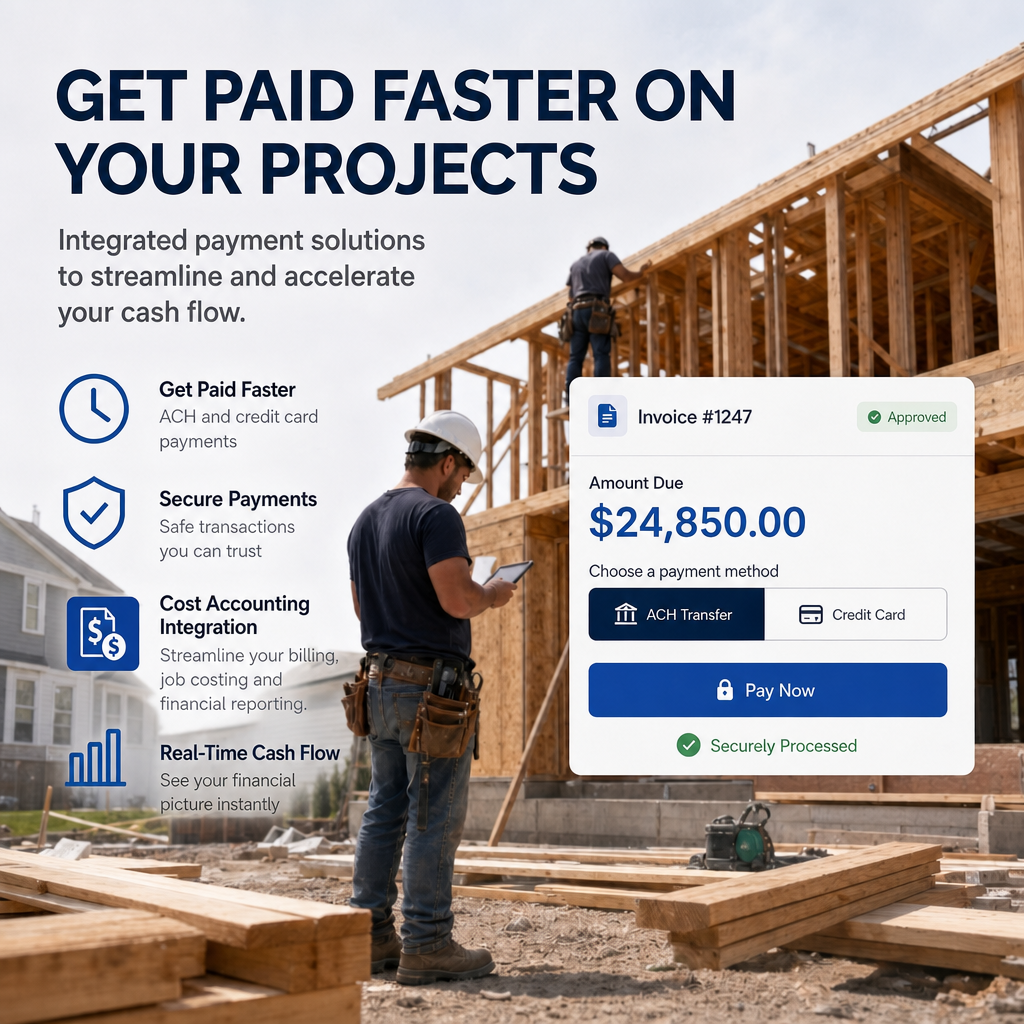
Stop waiting for checks. Get paid faster. Strengthen cash flow. By integrating a Construction‑Specific Job Cost Accounting System with a 3rd‑party payment processor, contractors can collect payments by credit card or ACH directly from client invoices — no more chasing checks, no more delays.
Why It Matters
- Accelerate cash flow — clients pay instantly through a secure online portal.
- Reduce administrative time — eliminate manual payment entry and reconciliation.
- Improve job profitability visibility — see cash position by job in real time.
- Increase financial accuracy — billing, payments, job cost, and GL all stay in sync.
- Strengthen accountability — every transaction ties back to the job, customer, and GL.
How Integrated Billing & Payments Work In A Construction Specific Accounting System
Step 1 — Set Up the Job
Create the job and assign the customer, and GL sales account.
Step 2 — Generate the Invoice
Create any type of construction invoice:
- Down Payment
- Change Order
- Progress Billing
- Time & Material
- Cost Plus
- Draw Request
Step 3 — Post the Invoice
Posting automatically updates:
- The customer/job with the amount owed
- The GL sales account
- Accounts receivable
This ensures accurate job cost, WIP, and financial reporting.
Step 4 — Send the Invoice With a Payment Link
When you email the invoice, the client receives a “Make Payment” link to a secure 3rd‑party payment portal. They can pay instantly via credit card or ACH.
Step 5 — Payment Flows Back Into Accounting
Once paid, the payment amount automatically appears in the cash receipts screen for that specific invoice.
Step 6 — Post the Payment
Posting the payment:
- Marks the job invoice as paid
- Increases GL cash
- Reduces accounts receivable
Your books stay clean, accurate, and fully job‑linked.
The Big Advantage: Real‑Time Cash Position by Job
Construction‑specific accounting lets you see exactly who is financing the job — you or your client. A Cash Position Report shows:
- All vendor and employee payments
- All client payments
- Net cash flow per job
This visibility is impossible when billing is done in estimating, project management, or CRM tools.
Why Billing Must Stay Inside the Accounting System
Billing and payment processing inside a construction‑specific accounting system ensures:
- Accurate profit & loss
- Accurate balance sheet
- Accurate job cost & WIP
- Accurate accounts receivable & payable
- Accurate commission calculations
- Accurate cash flow management
Your financials become trustworthy, auditable, and actionable — not scattered across multiple apps.
About Contractors Software Group
Contractors Software Group develops three series of construction‑specific job cost accounting systems for residential and light commercial contractors. Our systems streamline:
- Job costing
- Billing & Payments
- Vendor Bill paying
- Payroll
- Bookkeeping
- PO Management/Subcontract Control
- Financial reporting
Learn more: https://contractorssoftwaregroup.com/job-cost-accounting-software/
We also offer integrated:
- CRM
- Estimating
- Scheduling
- Builder Web Portal
Learn more: www.csgsoftware.com